Tech riderRev. 20 Sept 2026
- 1Runs onNot stated by the maker
- 2CostsNot stated by the maker
- 3Auto-cropYes
- 4Deskew correctionYes
- 5Auto enhancementYes
- 6Photo organizationYes
- 7OCR supportYes
- 8Export formatsTIFF, JPEG, PDF, PDF/A, PNG, GIF, rich text, ASCII, Unicode, audio, XML, METS, MODS, Dublin Core
6 lines stated Written from the maker's own pages: imageaccess.com
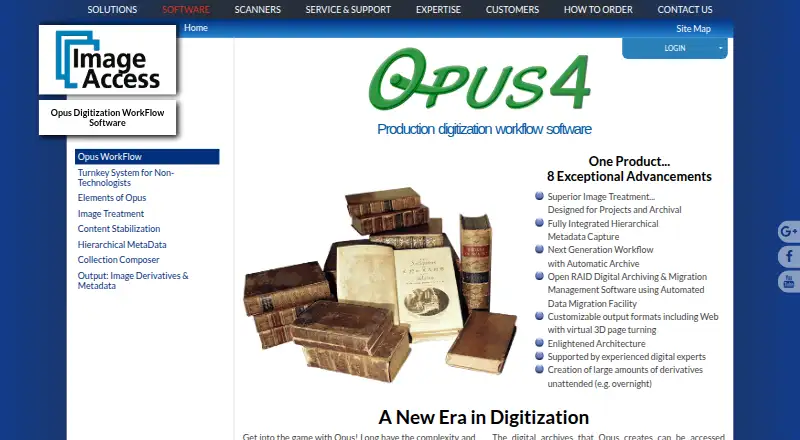
Overview
Opus is ranked #23 of 29 in photo scanning software on Specifiction.
Compared on photo scanning software
- Auto-crop
- Yesimageaccess.com
- Deskew correction
- Yesimageaccess.com
- Auto enhancement
- Yesimageaccess.com
- Photo organization
- Yesimageaccess.com
- OCR support
- Yesimageaccess.com
- Export formats
- TIFF, JPEG, PDF, PDF/A, PNG, GIF, rich text, ASCII, Unicode, audio, XML, METS, MODS, Dublin Coreimageaccess.com
Company
- Headquarters
- Boca Raton, Florida, United Statesimageaccess.com · 28 Sept 2026
Best Opus alternatives
See all 20 All accessCh 01 FilmLab Free planFree trialAndroid from $5/mo7.9 All accessCh 02 Google Photos Free planAndroidiOS from $1.99/mo7.3 All accessCh 03 Nostalgia Free planAndroidiOS from $6.67/mo7.3 All accessCh 04 Brother iPrint&Scan Free planAndroidiOS Free to start7.2 All accessCh 05 SlideScan by Photomyne Free planAndroidiOS Free to start7.2 All accessCh 06 MyHeritage Mobile App Free planAndroidiOS Free to start7.1



Where it ranks on Specifiction
- Best Photo Scanning Software in 2026#23 of 29
Is Opus yours?
Claim it for free: prove the domain, then correct facts, plans and screenshots. An editor reviews every change.
Sources
- imageaccess.com/opus-digitization-workflow-software· checked 28 Sept 2026