Tech riderRev. 28 Sept 2026
ScreenClip
- 1Runs onBrowser
- 2CostsNot stated by the maker
- 3Redaction toolsYes
- 4Team collaborationYes
- 5Browser extensionYes
- 6Export formatsPNG
- 7Maximum file size8 MB
6 lines stated Written from the maker's own pages: screenclip.com
Overview
ScreenClip is ranked #49 of 76 in screenshot annotation software on Specifiction. It runs on Browser extension.
ScreenClip plans and pricing
All plansCompared on screenshot annotation software
- Free plan
- Yesscreenclip.com
- Redaction tools
- Yesscreenclip.com
- Team collaboration
- Yesscreenclip.com
- Browser extension
- Yesscreenclip.com
- Export formats
- PNGscreenclip.com
- Maximum file size
- 8 MBscreenclip.com
Facts
- Early adopter discount
- The site advertises 50% off for early adopters for a limited time.screenclip.com · 28 Sept 2026
- Free plan limits
- The Basic plan includes 100 clips and allows uploads up to 1MB per file.screenclip.com · 28 Sept 2026
- Plus plan limits
- The Plus plan includes 10,000 clips and allows uploads up to 8MB per file.screenclip.com · 28 Sept 2026
- Free storage
- The Basic plan uses ScreenClip storage only.screenclip.com · 28 Sept 2026
- Plus storage
- The Plus plan includes ScreenClip and Google Drive storage.screenclip.com · 28 Sept 2026
- Renewal notice
- Subscribers receive an email notification seven days before renewal.screenclip.com · 28 Sept 2026
- Browser platform
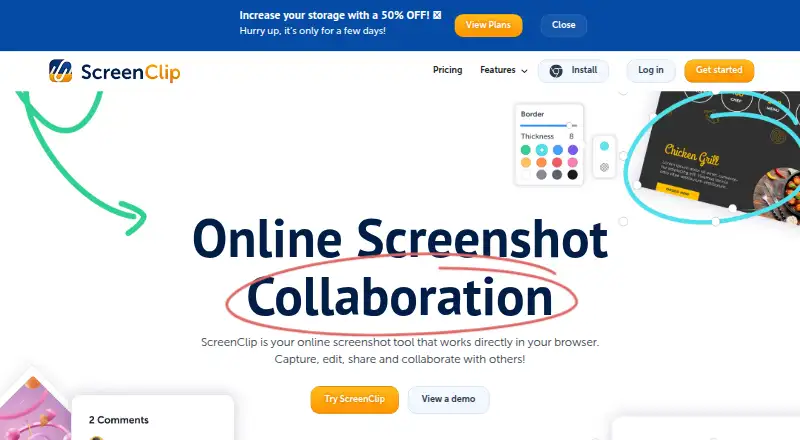
- ScreenClip works directly in the browser and provides a Chrome extension.screenclip.com · 28 Sept 2026
- Capture capabilities
- Users can capture a section of a page or an entire web page, including scrolling screenshots.screenclip.com · 28 Sept 2026
- Annotation tools
- Annotations include drawing, arrows, highlights, text, shapes, comments, and blur.screenclip.com · 28 Sept 2026
- Source link retention
- Screenshots retain the link to the source where they were captured.screenclip.com · 28 Sept 2026
- Sharing collaboration
- Screenshots can be shared as files or links, and recipients can continue editing linked screenshots.screenclip.com · 28 Sept 2026
- Default clip privacy
- Clips are private unless the user shares them with someone.screenclip.com · 28 Sept 2026
- Google Drive integration
- Google Drive can store copies of clips and provide additional storage.screenclip.com · 28 Sept 2026
- Clipular migration
- Existing Clipular users can create a ScreenClip account with the same email and import images or migrate clips.screenclip.com · 28 Sept 2026
- Support channels
- Support is available by email, Help Desk, and live chat through the chatbox.screenclip.com · 28 Sept 2026
- Company rebrand
- ScreenClip is the rebranded successor to Clipular.screenclip.com · 28 Sept 2026
Best ScreenClip alternatives
See all 20 All accessCh 01 Monosnap Free planFree trialBrowser Free to start9.0 All accessCh 02 Awesome Screenshot Free planBrowseriOS from $5/mo8.7 All accessCh 03 Screenpresso Free planBrowserWindows Free to start8.4 All accessCh 04 Greenshot Free planWindows Free to start8.4 All accessCh 05 ShareX Free planWindows Free to start8.3 All accessCh 06 Markup Hero Free planBrowserMac Free to start8.3




Where it ranks on Specifiction
Is ScreenClip yours?
Claim it for free: prove the domain, then correct facts, plans and screenshots. An editor reviews every change.
Sources
- screenclip.com/pricing· checked 28 Sept 2026
- screenclip.com· checked 28 Sept 2026